Console 
The Console is the browser-based interface for managing workspaces, accessing applications, and running terminals — all without installing any local tools.
Signing In
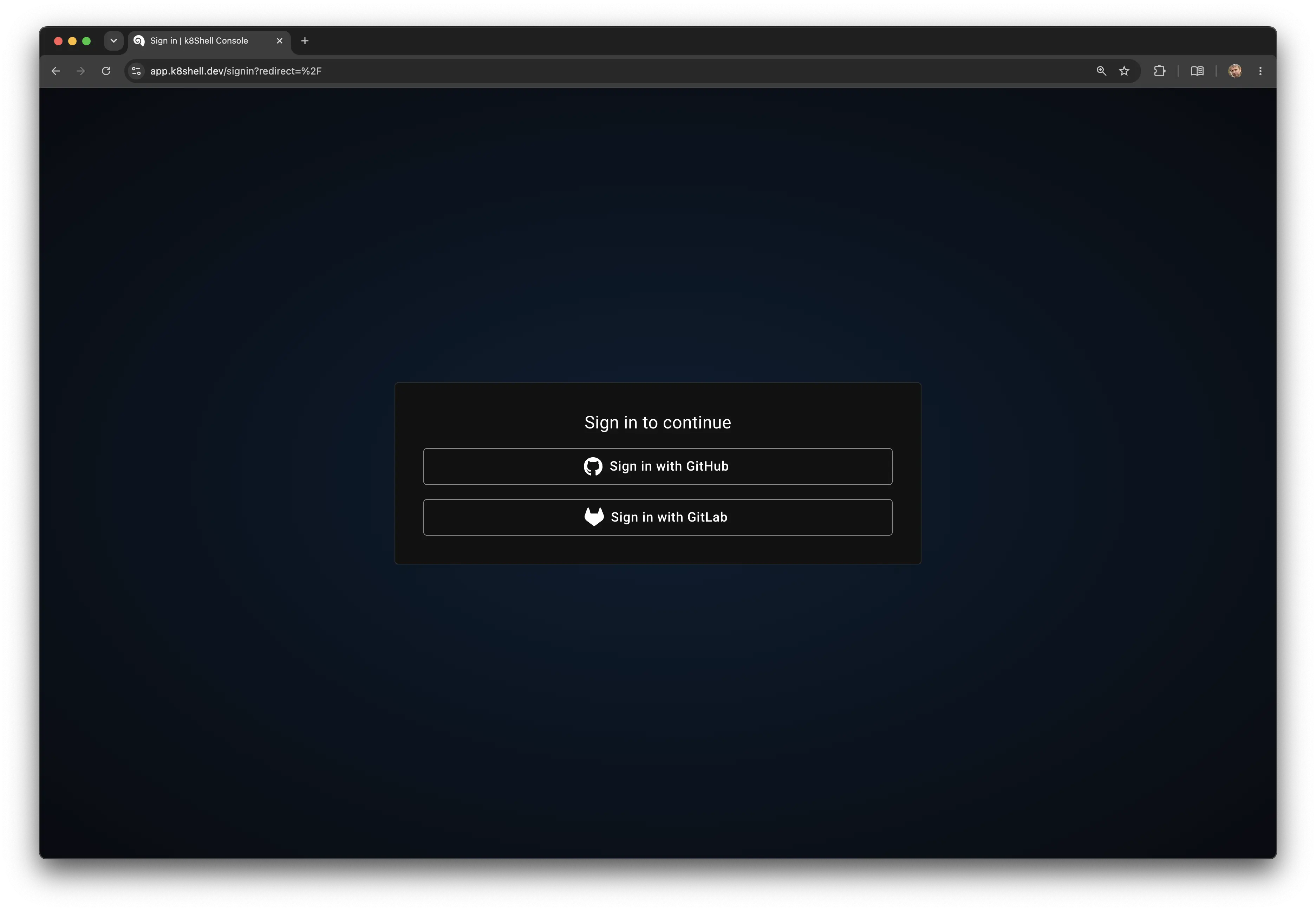
On the sign-in page, select the identity provider (IdP) you want to authenticate with and follow the on-screen instructions. The available providers are configured by your administrator and may include GitHub, GitLab, or a built-in user directory. Your account is tied to the provider you sign in with, so use the same one on each visit.
User Settings
User settings are accessible from any page by clicking your avatar in the top-right corner and selecting Settings. From there you can set the interface language, switch between light, dark, or system theme, and view the application version.