User Tasks
Signing In
Available providers may vary. They are controlled by the system admin.
- Click on any of the available providers and follow the directions on the screen.
Changing User Settings
-
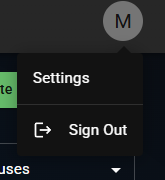
User settings are available after clicking on the user avatar in the top right corner of any screen.
-
Click on
Settingsto navigate to the settings page. -
Here you can:
- Set the application language
- Set the application theme (light, dark, or system)
- Display information about the application version